

Dashboard
The Dashboard is the controller’s live status view. It lists every peripheral the controller knows about - its own ports and its BUS devices’ outputs and locks - and refreshes on its own so it always reflects the current state.
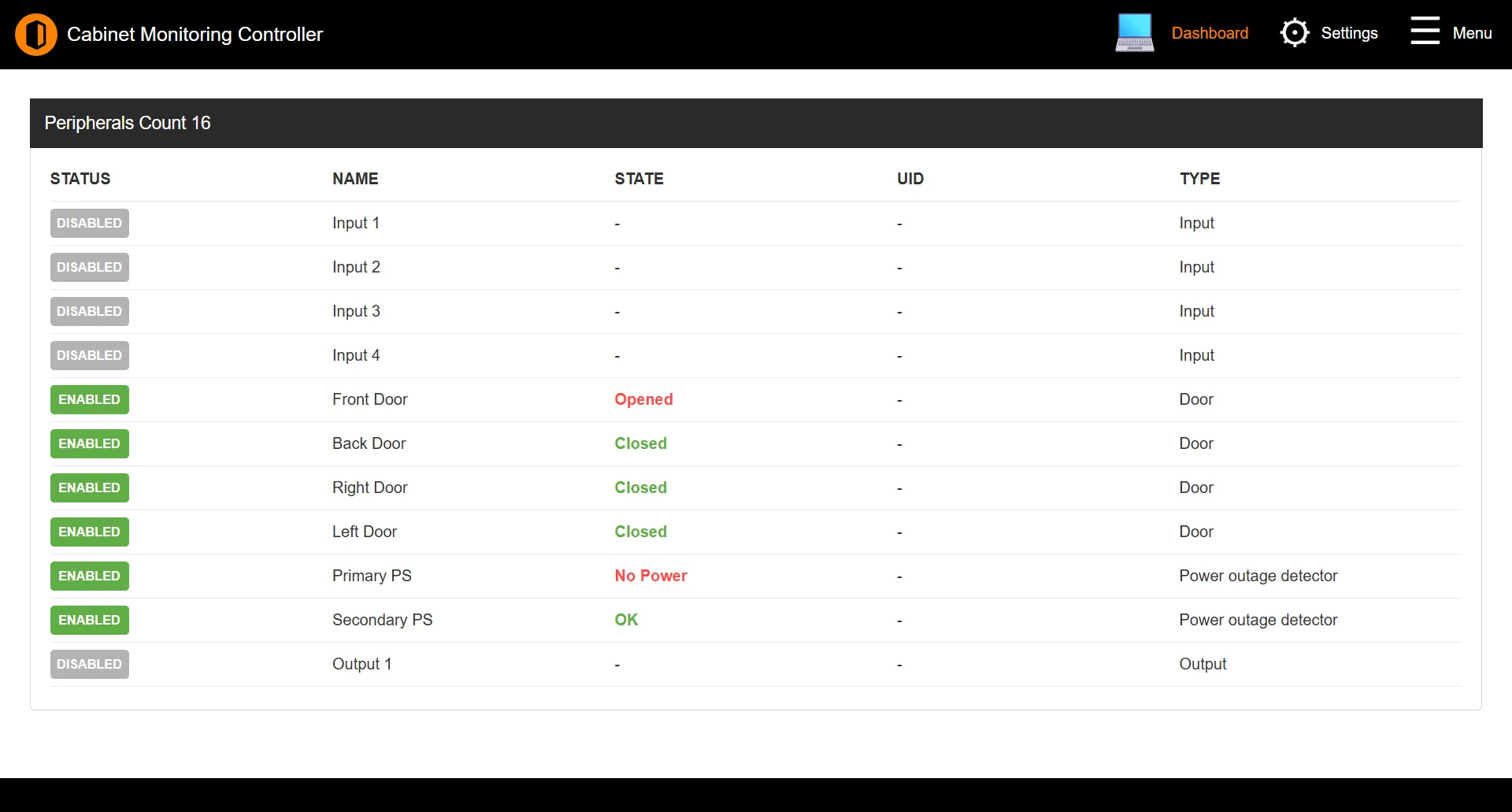
The peripherals table
The table refreshes automatically every few seconds. Its heading shows a live count, for example Peripherals Count 12.
| Column | Description |
|---|---|
| Status | Whether the peripheral is enabled or disabled. |
| Name | The peripheral’s label. |
| State | Its current reading - the normal or alarm label for inputs, or the output/lock state. |
| UID | The identifier of the BUS device it belongs to, where applicable. |
| Type | Input, Output, or Lock. |
Inline controls
The table is interactive:
- Clicking a peripheral’s Status enables or disables it.
- Clicking the State of an output or lock toggles it.
Both actions ask for confirmation first.
Note: The Status and State columns reflect live device data - a value may change on the next refresh as the controller re-reads its peripherals.
See also: Navigation | GPIO | BUS Devices