

Profile
The Profile page manages the controller’s administrator account - the credentials used to sign in to the web interface. It is reached from the Menu flyout.
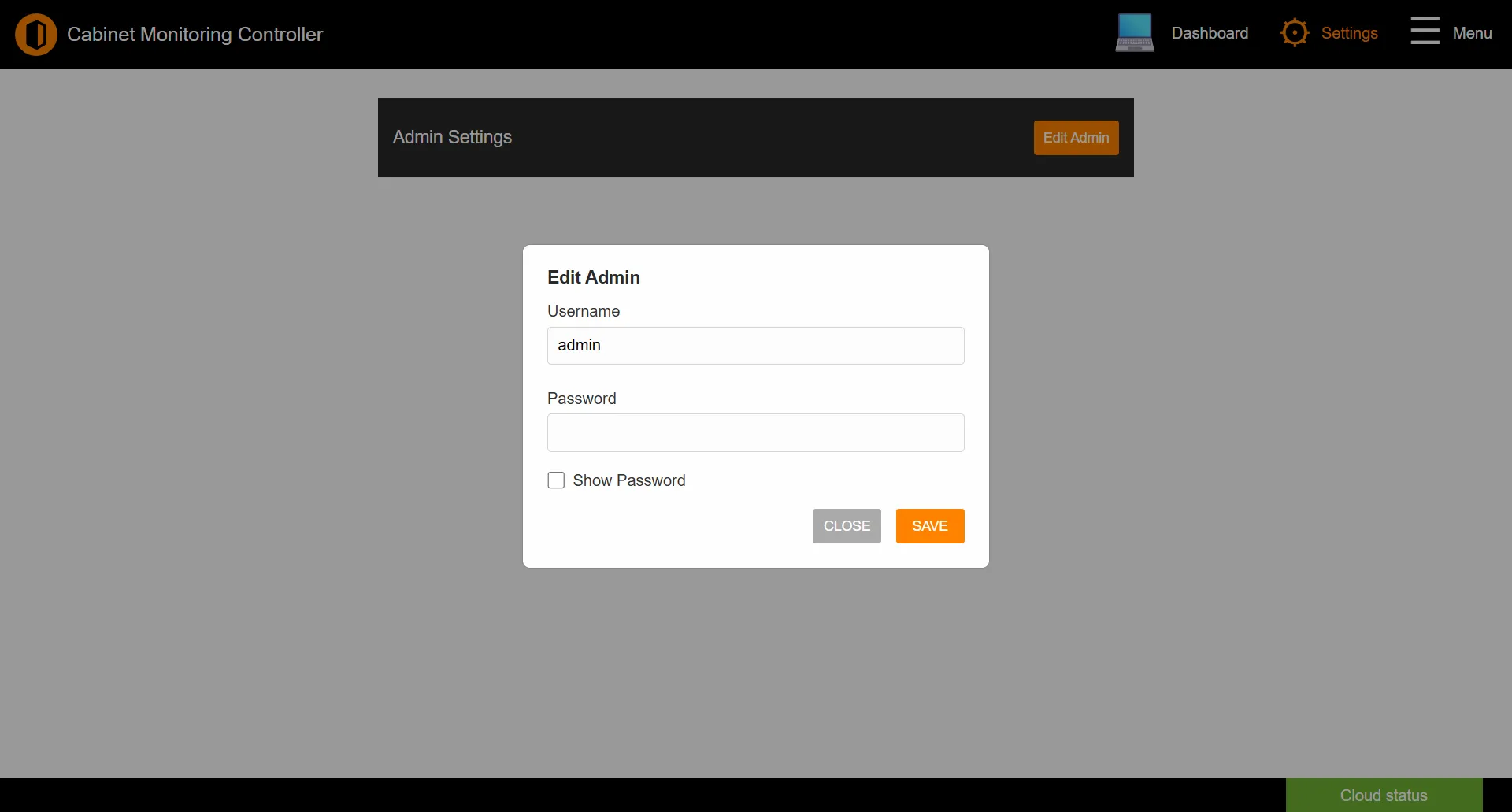
Editing the administrator account
Click Edit Admin to open the account dialog:
| Field | Description |
|---|---|
| Username | The administrator username (defaults to admin). |
| Password | A new password for the account. |
| Show Password | Reveals the password field so you can check what you typed. |
Click SAVE to apply the change.
Tip: Change the default
admin / admin credentials as soon as you first sign in to a new controller. A factory reset restores them, so set them again after any reset.See also: Accessing the Interface | Navigation