

Maintenance
The Maintenance page holds the controller’s service operations: rebooting, upgrading firmware, and factory reset.
Path: Settings → Maintenance
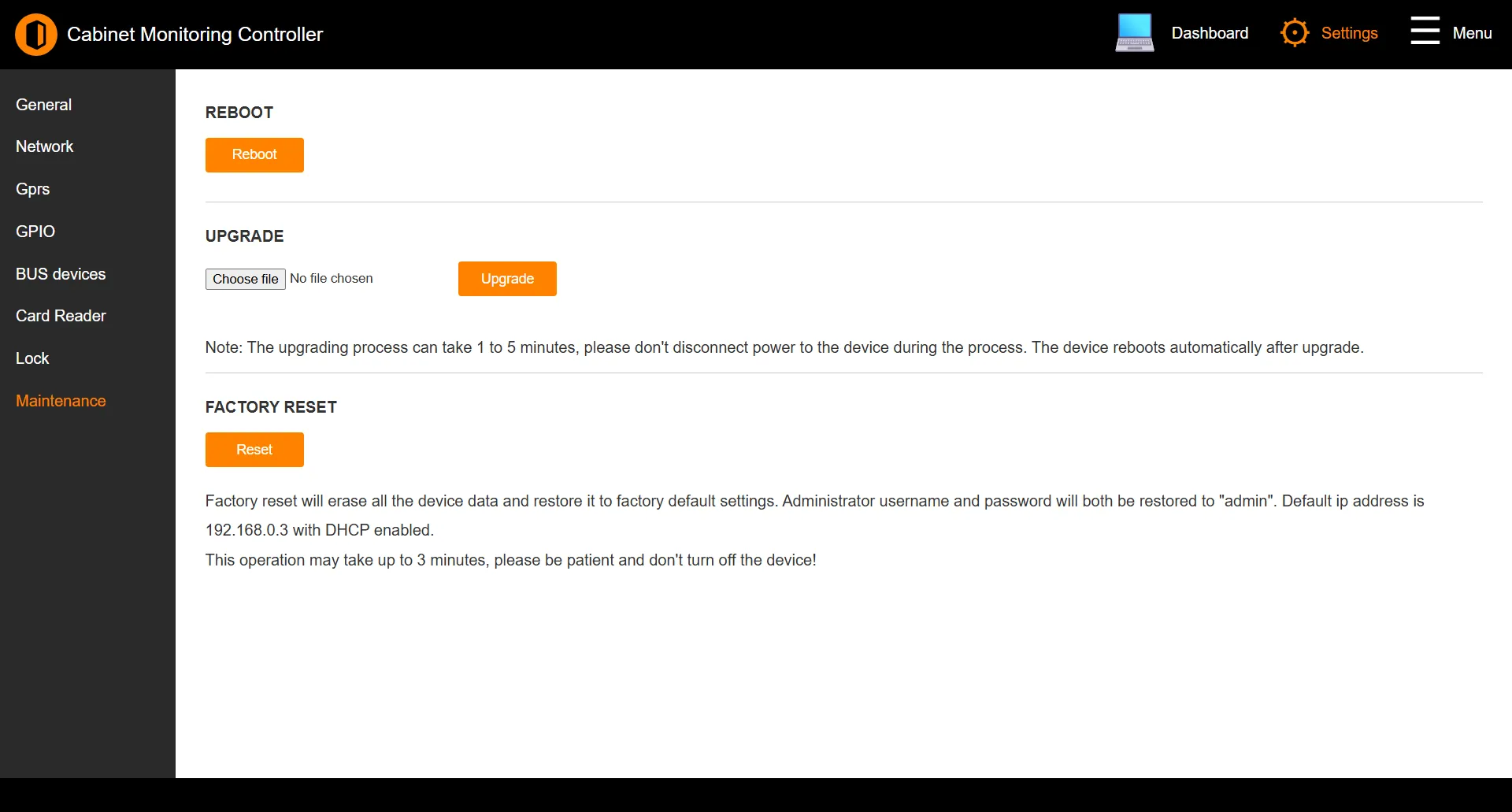
Reboot
Reboot restarts the controller. The web interface is briefly unavailable while it restarts.
Upgrade
Upgrade the controller firmware by selecting a .hex firmware file and clicking Upgrade.
Do not remove power during an upgrade
The upgrade takes 1 to 5 minutes and the controller reboots automatically when it finishes. Disconnecting power partway through can leave the controller in an unusable state.
Factory reset
Reset erases all controller data and restores factory defaults. This can take up to 3 minutes; do not power off the controller during the reset.
After a factory reset the controller returns to:
| Setting | Default |
|---|---|
| Username | admin |
| Password | admin |
| IP address | 192.168.0.3 |
| DHCP | Enabled |
Factory reset is irreversible
All configuration - network settings, ports, readers, locks, and cloud enrolment - is erased. Record anything you need before resetting.
See also: Network | Accessing the Interface