

General
The General page holds the controller’s identity, its clock, and how it connects to the Supracontrol server. It is the first page the Settings menu opens.
Path: Settings → General
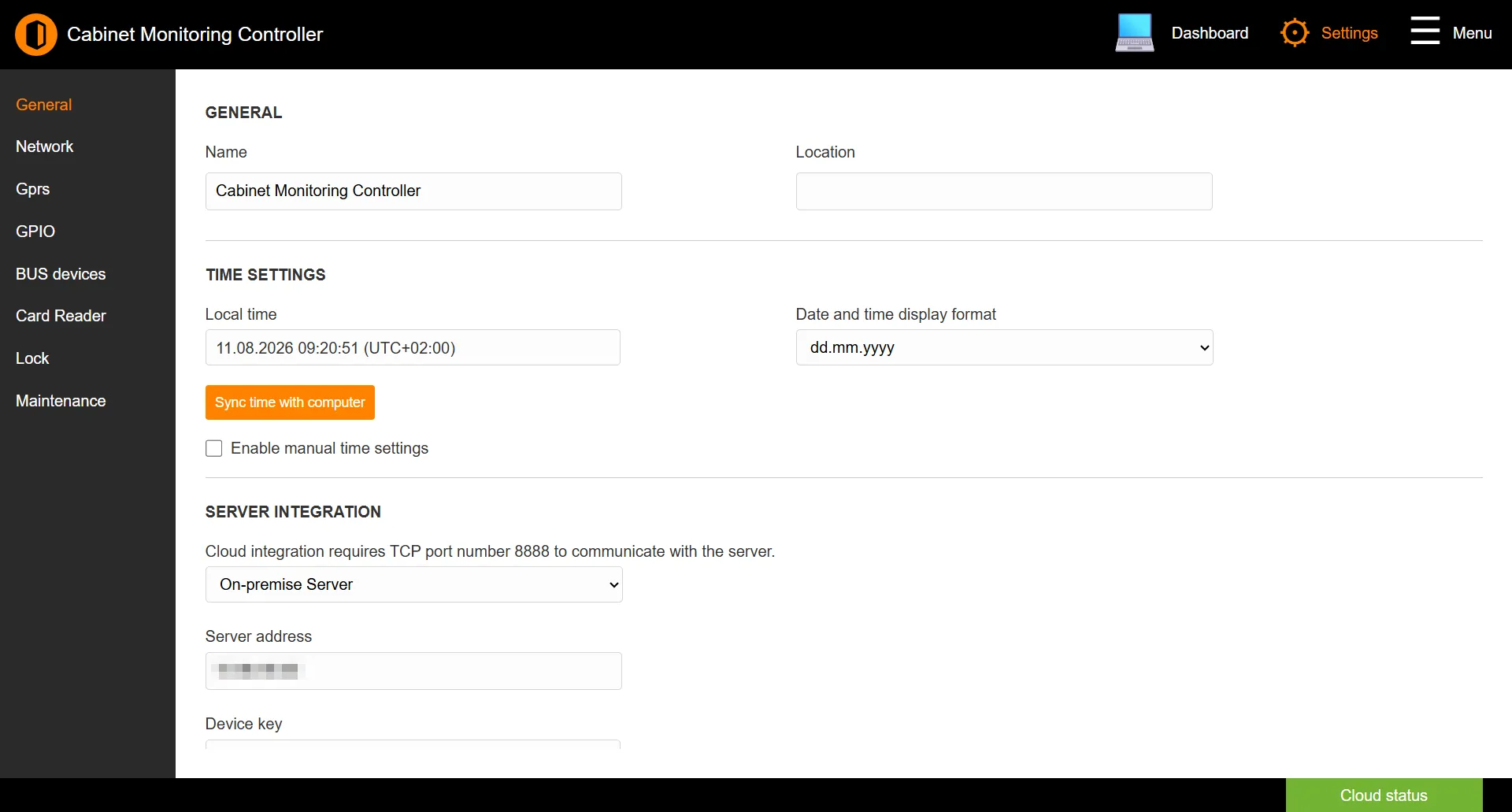
Identity
| Field | Description |
|---|---|
| Name | A descriptive name for the controller (up to 32 characters). |
| Location | Where the controller is installed (up to 32 characters). |
Time settings
| Field | Description |
|---|---|
| Local time | The controller’s current clock, shown read-only. |
| Date and time display format | How dates are shown: yyyy-mm-dd, m/d/yyyy with am/pm, dd/mm/yyyy, or dd.mm.yyyy. |
| Sync time with computer | Sets the controller’s clock from the computer you are browsing on. |
| Enable manual time settings | Reveals fields to set the date, time, and UTC offset by hand. |
Server integration
Connects the controller to a cloud or on-premise Supracontrol server. Cloud integration needs TCP port 8888 open to the server.
| Field | Description |
|---|---|
| Integration mode | Disable, Enterprise Cloud Server, or On-premise Server. |
| Server address | The address of the server to connect to. |
| Device key | The controller’s unique key, used to enrol it in the cloud. Shown read-only. |
Note: Enabling integration here is the first step of cloud enrolment. The rest of the flow - entering the device key in Supracontrol Enterprise - is covered in Cloud Service.
Click SAVE to apply changes.
See also: Network | Cloud Service | Maintenance