

GPIO
The GPIO page configures the controller’s general-purpose ports one at a time - each can be an input (a sensor or contact) or an output. You choose a port, enable it, label it, and set how it behaves.
Path: Settings → GPIO
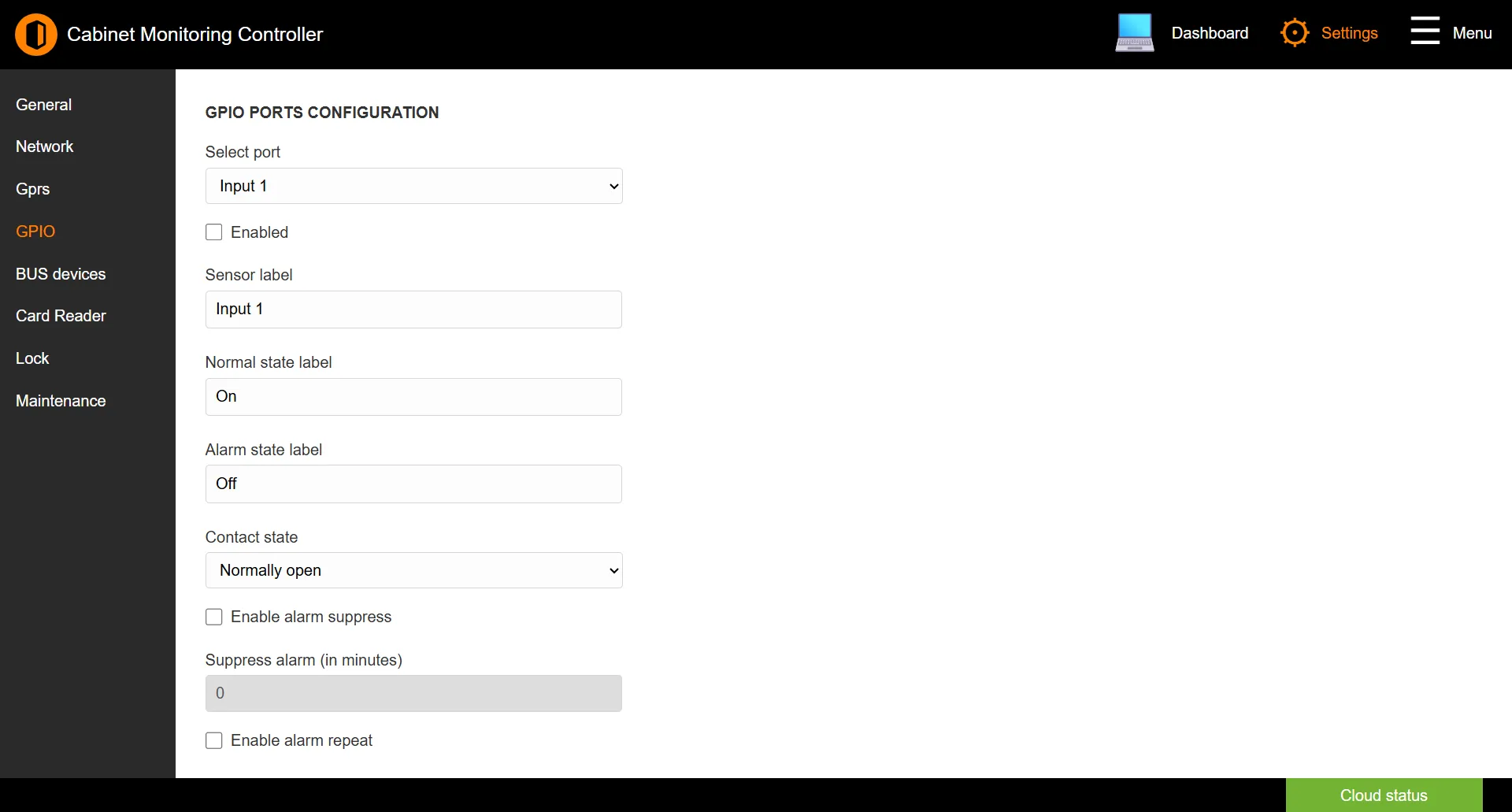
Selecting a port
| Field | Description |
|---|---|
| Select port | Choose which port to configure. |
| Enabled | Turns the selected port on. |
Input configuration
| Field | Description |
|---|---|
| Sensor label | A name for what the port monitors (up to 32 characters). |
| Normal state label | Text shown when the input is in its normal state (up to 15 characters). |
| Alarm state label | Text shown when the input is in alarm (up to 15 characters). |
| Contact state | Whether the contact is Normally open or Normally closed. |
| Enable alarm suppress | Holds off raising an alarm for a set delay. |
| Suppress alarm (in minutes) | The suppression delay, 0–80 minutes. |
| Enable alarm repeat | Re-raises an unresolved alarm after a delay. |
| Repeat alarm (in minutes) | The repeat interval, 0–80 minutes. |
Output configuration
When the port is an output, these extra options appear:
| Field | Description |
|---|---|
| Initial state | The port’s state at start-up: Unchanged or Default. |
| Enable revert | Automatically returns the output to its previous state after a delay. |
| Revert delay (in seconds) | How long before reverting, 1–65535 seconds. |
Click SAVE to apply changes.
See also: BUS Devices | Dashboard