

Cloud Service
The Cloud Service page shows the controller’s device key and the steps to connect it to the Supracontrol Enterprise cloud. It is reached from the Menu flyout.
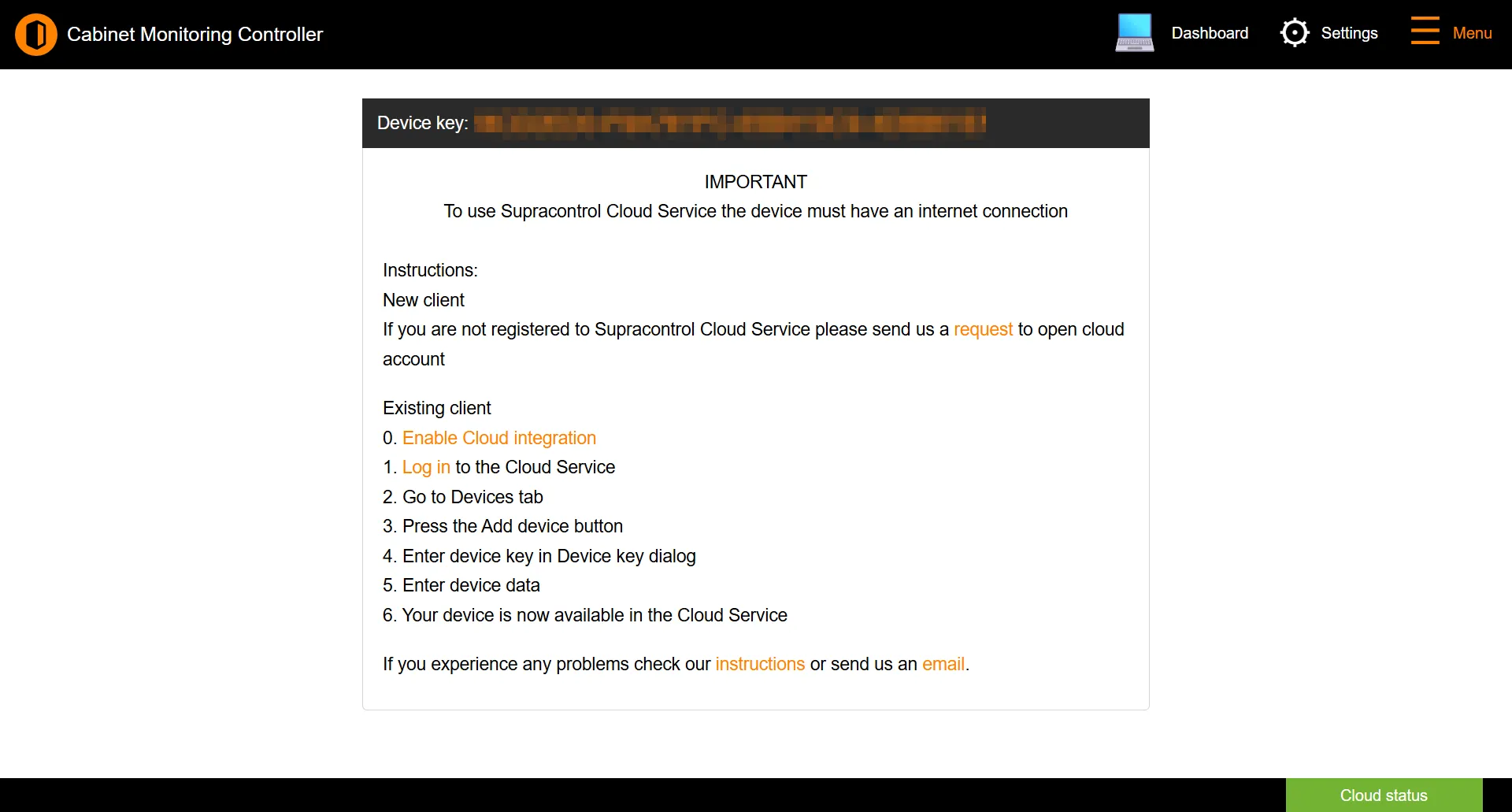
Device key
Every controller has a unique device key, shown at the top of this page. The cloud service uses it to identify the controller when you add it to your account.
Enrolling an existing account
If you already have a Supracontrol Cloud account:
Enable cloud integration
On the General page, set Integration mode to Enterprise Cloud Server.
Add the device in Supracontrol Enterprise
Log in to the cloud service, open the Devices tab, click Add device, and enter this controller’s device key. Full steps are in Adding a Controller.
Confirm
Once enrolled, the controller appears in the cloud service and the footer cloud badge turns green.
See also: General | Navigation | Adding a Controller