

BUS Devices
The BUS Devices page lists the peripherals connected to the controller over its BUS, with their live online status and firmware. Devices are added by connecting them to the BUS - this page is where you confirm they appear and remove ones you no longer use.
Path: Settings → BUS Devices
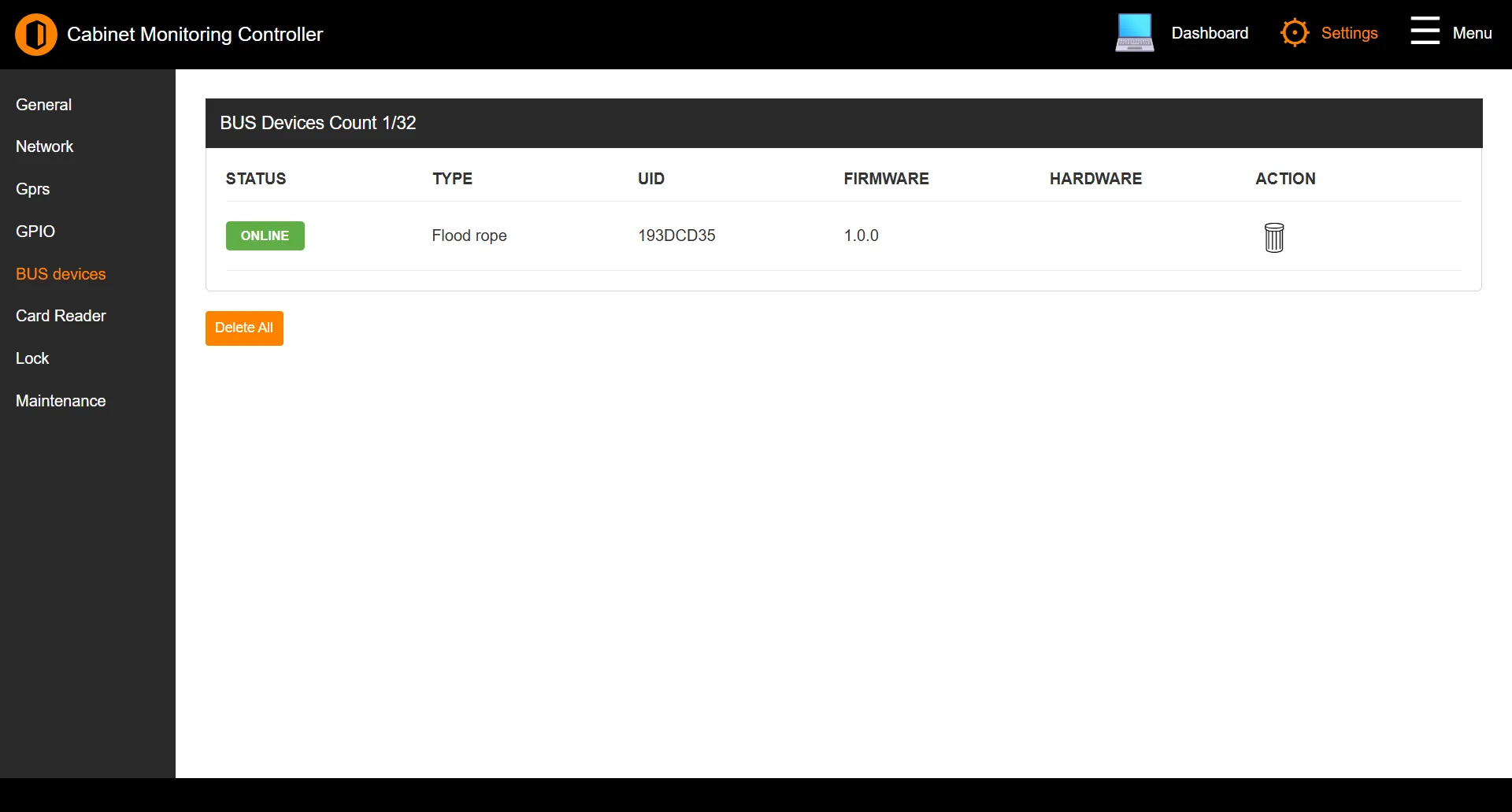
The device list
The table refreshes automatically every few seconds:
| Column | Description |
|---|---|
| Status | Whether the device is currently online or offline. |
| Type | The kind of BUS device. |
| UID | The device’s unique identifier. |
| Firmware | The device’s firmware version. |
| Hardware | The device’s hardware version. |
| Action | Removes the device from the controller. |
The heading shows a live count - for example BUS Devices Count 8/32.
Removing devices
Use the delete action on a row to remove a single device, or Delete All to clear the list. Both ask for confirmation first.
Note: A controller supports up to 32 BUS devices. The count in the heading shows how many of the 32 slots are in use.