

Introduction
Overview
The module is split into three functional tabs:
- Users - Create and manage individual access users, their validity periods, assigned cards, and group memberships.
- Groups - Organise users into groups and attach those groups to physical locations with optional time-based schedules.
- Attendance - Monitor when users entered or exited locations, how long they were present, and review access logs in detail.
Who should read this guide
- System administrators responsible for configuring access rights.
- Security officers who monitor access events and attendance.
- Business unit managers who need to review their users and groups.
Navigating to the Access Module
After logging in to Supracontrol, the main navigation bar at the top of the screen lists all available modules. Click Access to open the Access Control module.
Here is what the Access module looks like when you first open it:
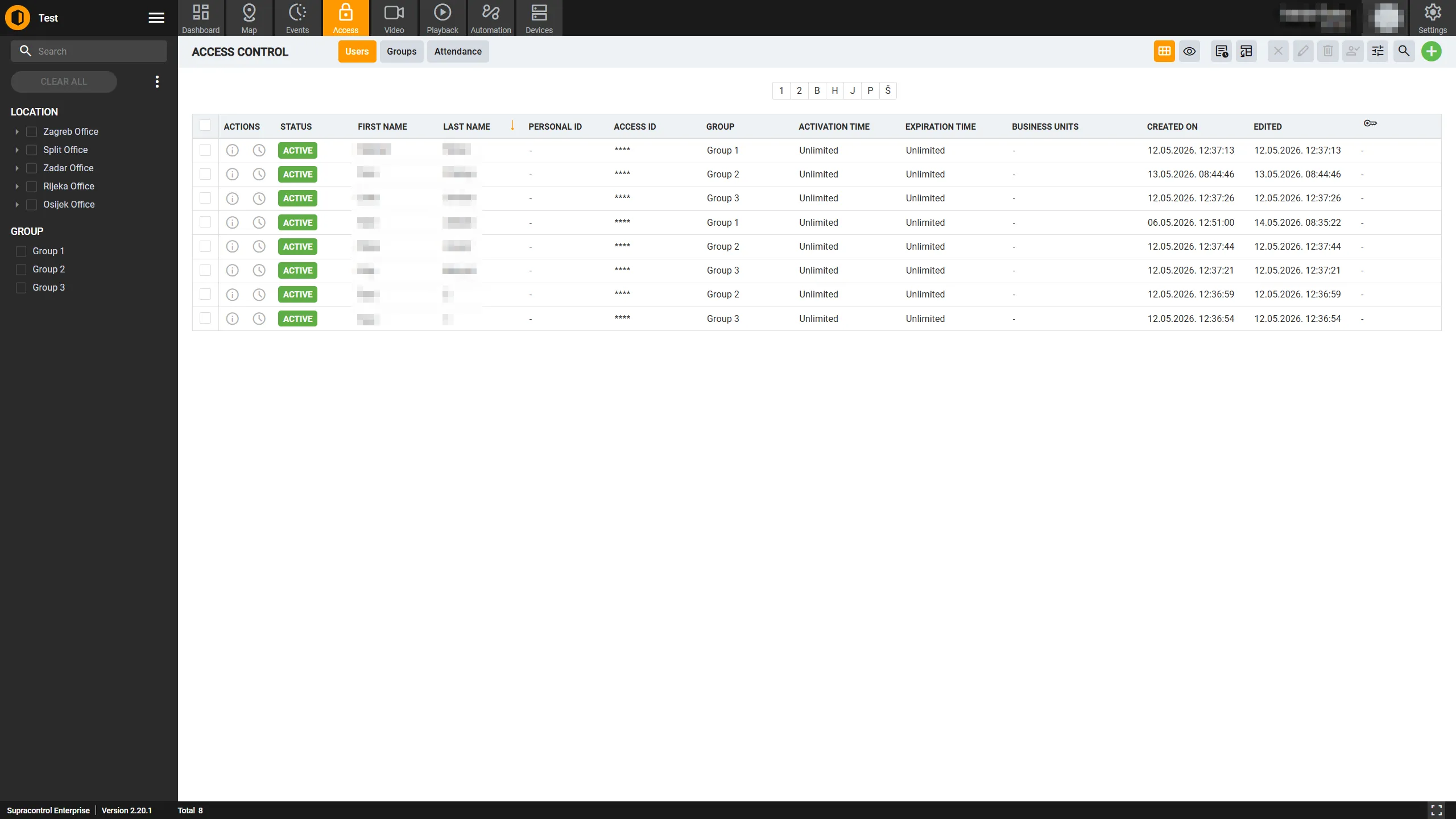
Once inside the module, three tabs are displayed:
- Users
- Groups
- Attendance (shown only when enabled in system settings)
Click any tab to switch between sections. Your last active tab is remembered the next time you open the module.