

Table Customisation
Open Column Settings from the toolbar to personalise the Users and Groups tables:
| Option | Description |
|---|---|
| Show / Hide Columns | Toggle individual columns on or off. |
| Reorder Columns | Drag columns to a new position in the list. |
| Rows Per Page | Set how many rows are displayed before pagination kicks in. |
| Sort Defaults | Choose the default sort column and direction. |
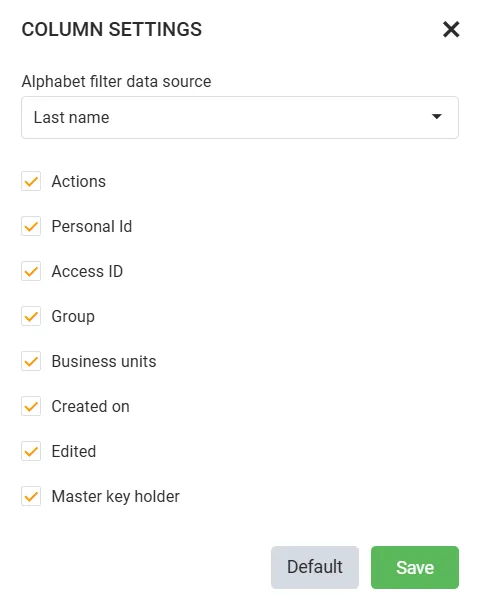
Column preferences are saved to your user account and restored across sessions and devices. You can also resize columns by dragging the border between column headers, and sort by clicking any column header - click again to reverse the sort direction.
Note: Table preferences are per-account. Changes you make only affect your own view and do not alter what other administrators see.